The Advanced Port Scanner by Famatech is a popular port scanning tool that shares every detail you could require about the ports on your computer as well as your network. It tells you details such as the number of ports, whether they currently have a connection, and their status. If you are looking for a port scanner, Famatech's application is a worthy option.
Ports and connections
Advanced users can jump to the next section, but for a novice, it is useful to understand ports and connections. For a wired or wireless network, there is an IP address against which connections can be made by various devices such as computers, webcams, routers, and mobile phones. For each connection, a specific port against the IP handles the connection and can be found by the Advanced Port Scanner.For beginners and advanced users
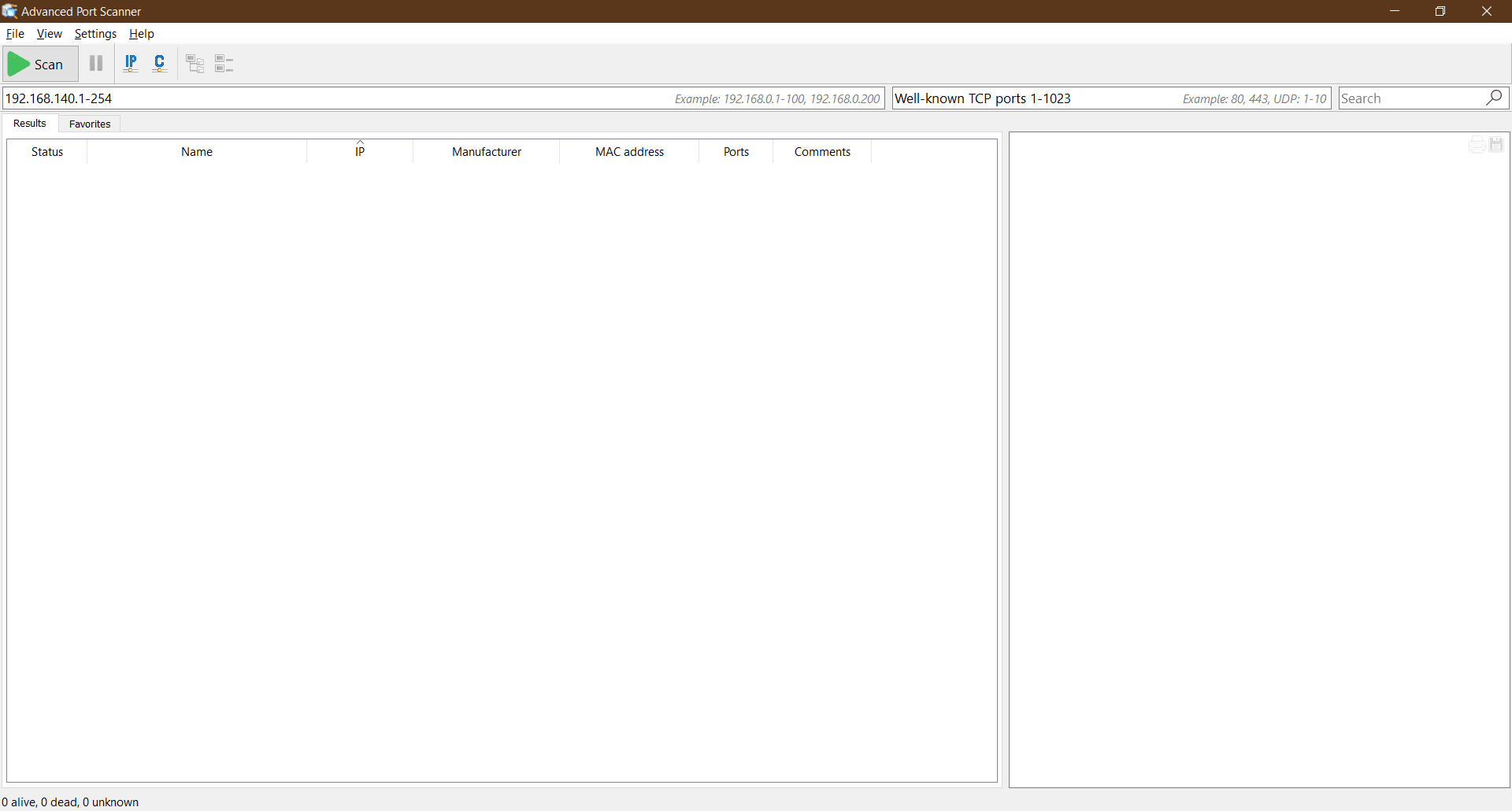
Advanced Port Scanner has the word 'Advanced' in its name, but it is perfectly suitable for beginners as well. If you have not used a similar application before, you should not worry as the scanner keeps things simple. On the first startup, it displays a simple UI with a Scan button that offers all the details you need.
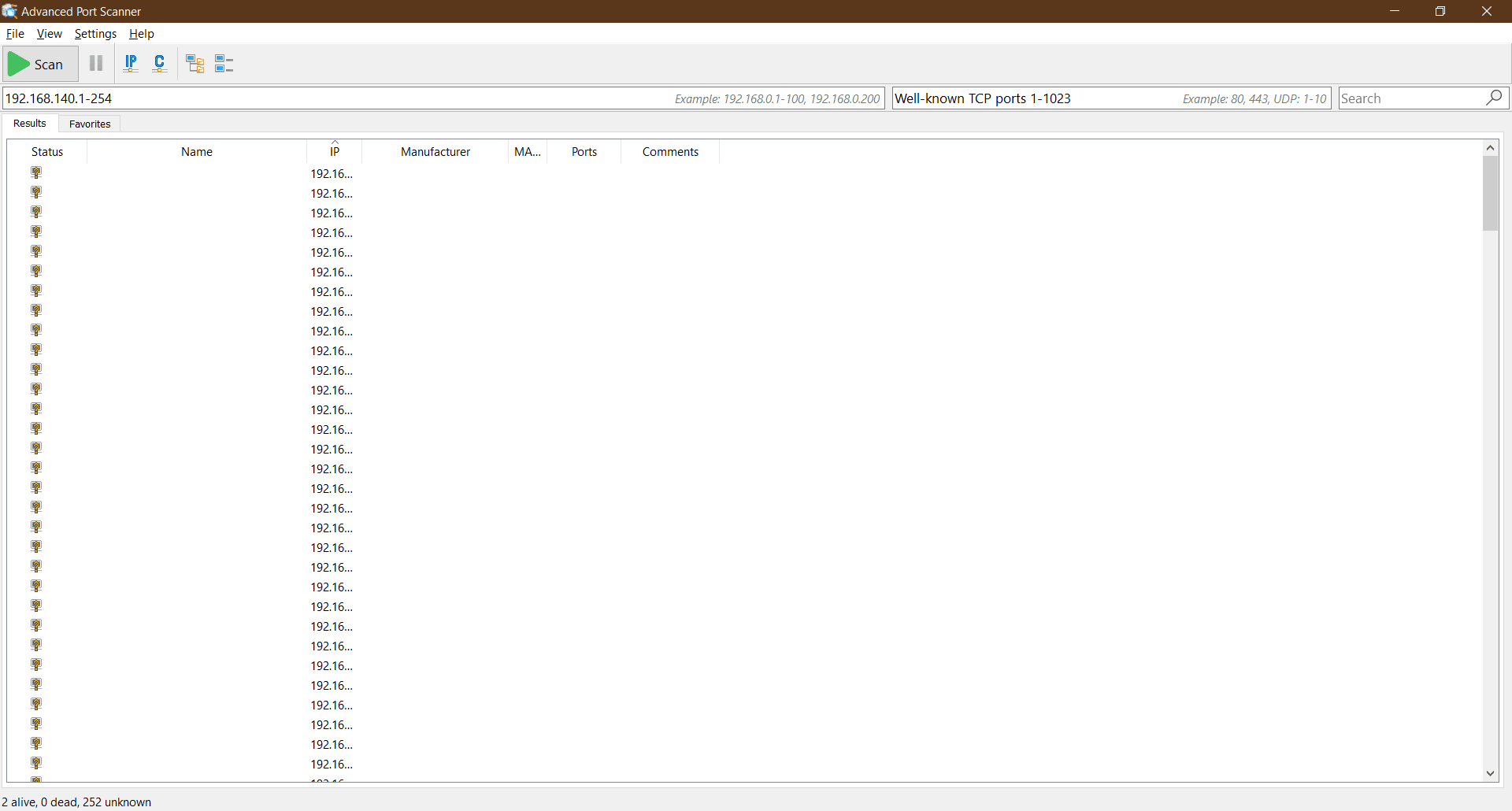
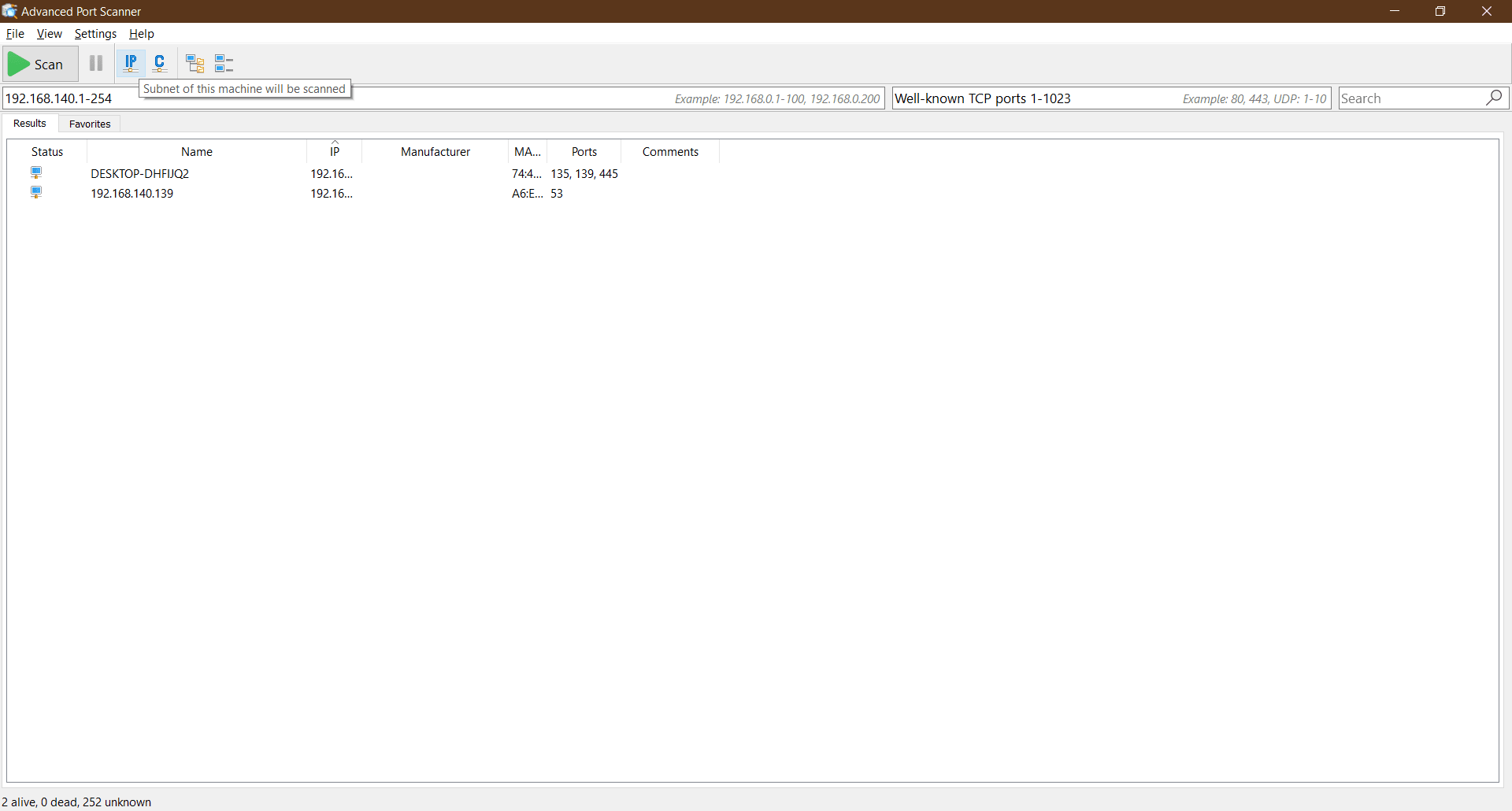
Once you click the Scan button, all the ports connected to your network will be displayed. It shows the connections that are currently active and can also highlight advanced details like a list of devices unrecognized by the application.
It also displays the ports that are available for new connections. Closed and open ports are laid out on the screen in a tree view that includes network as well as PC ports.Compatibility with more applications
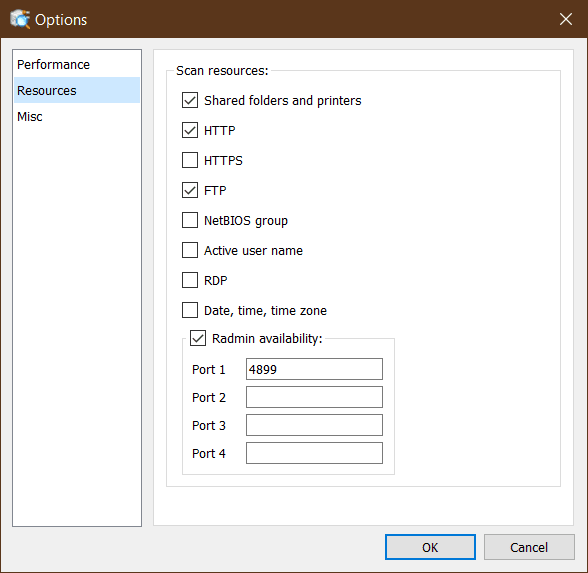
With Famatech applications, an added benefit is compatibility with other software like Radmin that works very well with Advanced Port Scanner. With Radmin, you can access your computer remotely to scan the ports and see if any unauthorized device is connected there. It also allows the sharing of resources.A reliable choice for network monitoring
Advanced Port Scanner is a very useful application that comes with many goodies such as a user-friendly interface, multithreaded port scanning, remote desktop access (with Radmin), and more. For anybody looking to monitor ports on a LAN as well as the PC, the application works perfectly.